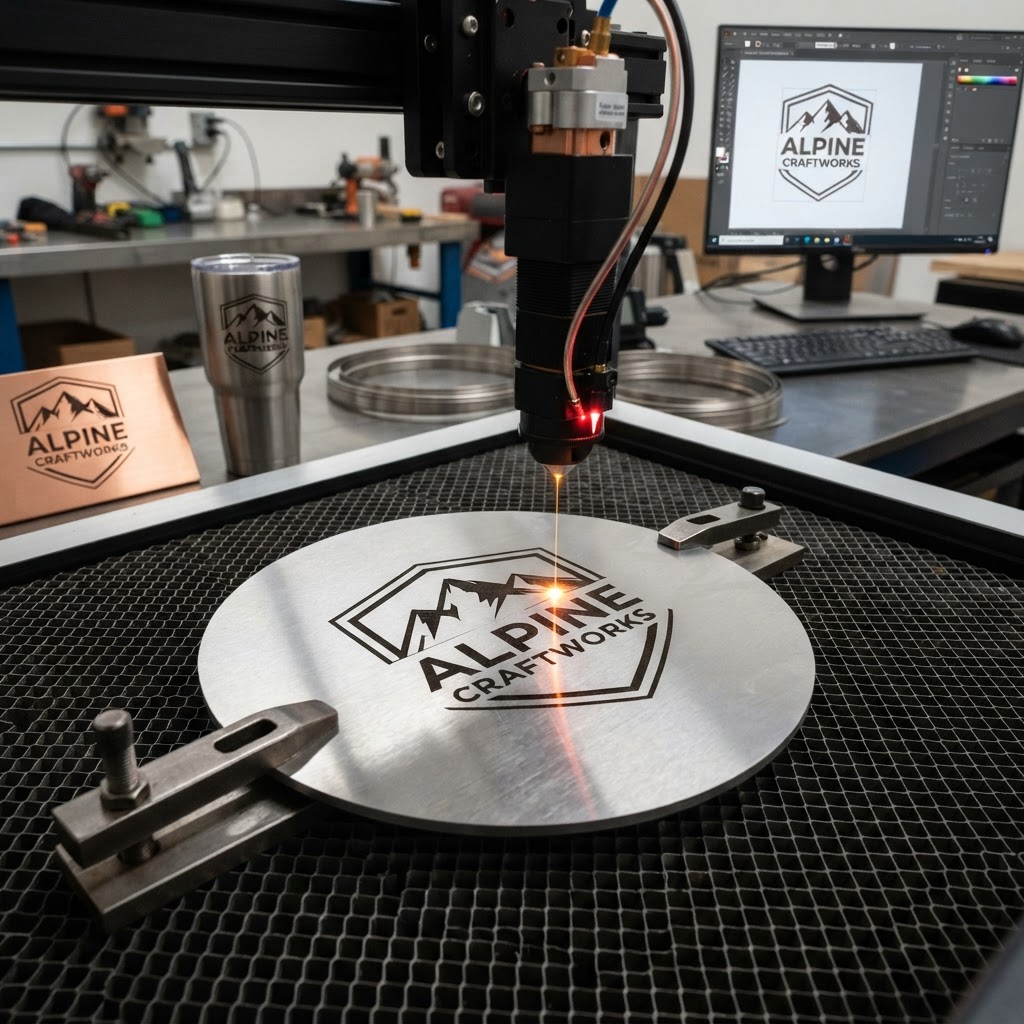
What File Format Do You Need for Laser Engraving Your Logo?
Need this made for your team?
Send your artwork or idea and we will come back with a price in one business day. Bulk pricing available.
Ever stared at a beautiful, crisp logo on a screen, only to have it turn into a blurry, pixelated mess the moment you try to blow it up for a sign? We see it happen all the time here at Perfect Etch. A customer walks into our New Braunfels shop with a dream of putting their company logo on a high end Yeti tumbler or a massive metal sign, but they hand us a tiny image file they pulled right off their Facebook page.
Look, I get it. To your eyes, that image looks perfect. But to a laser, that little file is a nightmare waiting to happen. If you want your custom engraving to look professional and sharp enough to read from across the room, you need to understand how these machines actually see your artwork. It is not magic. It is geometry.
Why pixels are the enemy of engraving
Here is the thing about images you find on the web. They are usually made of pixels. Think of a photo like a mosaic. It is just a grid of thousands of tiny colored squares. If you look at it small, the squares blend together. If you zoom in, or try to stretch it to fit a metal sign, those squares get massive. The laser engraver is a precise tool. It follows a path, tracing every single line. When you feed it a pixelated image, the laser tries to trace the jagged edges of those tiny squares. The result is a blurry, grainy mess that looks like a bad photocopy.
We want your brand to look top notch. Whether we are doing industrial metal part marking for a local manufacturer or etching personalized drinkware for a wedding party in Central Texas, we need clean data. We cannot engrave what we cannot trace. That is why we are always asking for a vector file.
What on earth is a vector file
If pixels are made of squares, vectors are made of math. Honestly, it sounds more complicated than it is. A vector file does not store pixels. Instead, it stores coordinates, lines, and curves. It tells the computer that there is a circle with a specific radius here, or a line of a specific thickness there. Because it is all math, you can stretch a vector logo to be the size of a billboard or shrink it down to fit on a keychain, and it will stay perfectly smooth.
When we load a vector file into our engraving software, the laser knows exactly where to start and stop. It follows those mathematical paths perfectly. You get crisp lines, sharp corners, and a depth of quality that pixels simply cannot touch. If you have ever seen an engraved sign where the edges of the letters look like they were carved with a laser scalpel, that was a vector file at work.
Hunting down the right file format
You might be asking how you tell if your file is the right one. Most people just look at the extension at the end of the file name. If your logo ends in .jpg, .png, or .gif, you are almost certainly working with pixels. Those files are built for screens, not for fabrication.
What you really want to hunt for are files that end in .ai, .eps, .pdf, or .svg. These are the formats where vector data lives. Now, here is a secret from behind the shop counter. Just because a file ends in .pdf does not automatically mean it is a vector. You can take a pixelated photo and save it as a PDF, but that does not turn it into a vector. It just wraps a bad file in a different package.
If you are not sure what you have, try opening it on your computer and zooming in until it fills the whole screen. If the edges stay sharp and clean, you have got a winner. If the edges start to look like a staircase made of blocks, that is a pixel file. If you are still lost, just email us what you have. We can usually take a look in a few seconds and tell you if it will fly or if we need to do some extra work to clean it up.
Sometimes we can fix it
We know not everyone has a professional graphic designer on speed dial. Sometimes you are just trying to get a project done for your team or a gift for a friend. If the only file you have is a low quality image, do not panic. We have spent plenty of hours sitting at the computer tracing logos by hand to turn them into vector paths.
It takes time, and we do charge for the artwork setup, but it is worth it. Once we convert your logo, we save that file for you. Next time you come in to order more drinkware or a new batch of metal signs, you will not have to worry about the file format ever again. We will have the perfect file ready to go.
Getting the best result for your project
When you bring us your file, try to make sure it is the most recent version of your logo. If you are doing metal part marking, remember that the laser removes material. We usually recommend sticking to bold, solid shapes. Thin, wispy lines or tiny fonts can sometimes disappear or blend together when we are burning into steel or aluminum.
If you have a design that is very complex with lots of shading, let us know. We can sometimes adjust our laser settings to create different depths or shades, but it works best when the underlying file is clean. If you are designing something specifically for an engraving project, try to keep your lines clean and your contrast high. Black and white is the holy grail for us. If your logo is white on a dark background, we can flip it easily. If it is a rainbow of colors, we have to convert it to grayscale anyway, so sending us a high contrast version makes our job much faster.
If you have questions about your specific logo or you are planning a project and want to make sure your art is ready for the laser, feel free to give us a call or swing by the shop. We love talking through these details to make sure your engraving comes out exactly how you imagined. We are always happy to help you get your files in order so we can get your project on the machine.
Tell us about your project
Share the basics and we will come back with pricing, options and a timeline. No obligation.