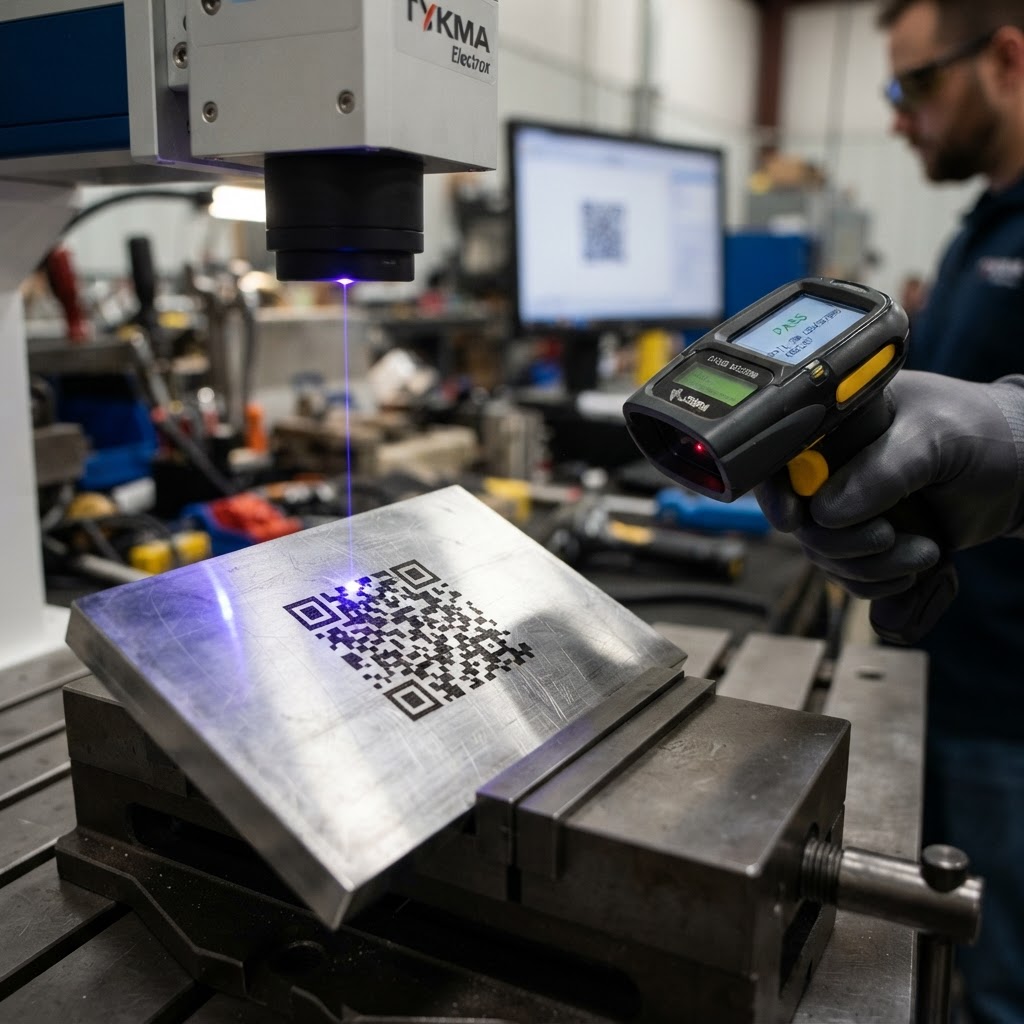
How to Ensure Your Data Matrix Codes Scan Every Time on Metal Parts
Need this made for your team?
Send your artwork or idea and we will come back with a price in one business day. Bulk pricing available.
There is nothing more frustrating than standing on a factory floor, holding a scanner up to a perfectly good piece of steel, and hearing that dreaded silence instead of a beep. You know the code is there. You can see the little squares staring back at you. Yet, the reader just refuses to recognize it.
We see this happen more often than you might think here at our shop in New Braunfels. Whether you are dealing with aerospace components or automotive parts, the quality of your marks matters. If the scanner can't read it, the part might as well be blank. Getting high quality data matrix code scanning results is not just about having an expensive laser. It is about understanding the physics of light, metal, and contrast.
If you are looking for a deeper dive into the technical side of how we handle these projects, check out our full guide on Industrial Laser Marking & Metal Part Engraving. That guide covers everything from material selection to laser settings for those who really want to get into the weeds.
Why Contrast is Your Best Friend
Here is the thing about laser marking metal. Scanners rely on contrast. They are looking for the difference between the deep, dark etched area and the shiny, reflective surface of the metal. If your laser setting is too shallow, you end up with a faint mark that washes out under bright shop lights. If you burn it too deep, you might create burrs that cast weird shadows.
Honestly, the biggest mistake we see is trying to go too fast. People often crank up the speed to save a few seconds per part, but they lose the depth needed for a clean read. We usually suggest slowing down the laser to ensure that the material is actually vaporized or annealed properly. You want a crisp edge on every single square in that matrix. If the squares have fuzzy or rounded edges, the scanner software gets confused. Think of it like trying to read blurry text in a book. It might be there, but your eyes have to work way too hard to figure it out.
Size Matters More Than You Think
People love to make things tiny to fit as much information as possible onto a small flange or bracket. Look, I get it. Real estate on a metal part is expensive. But if you shrink that data matrix code past a certain point, the hardware just cannot resolve the dots.
We always recommend sticking to a module size that your equipment can actually handle. If you are using a standard handheld scanner, don't try to cram a massive amount of data into a 2 millimeter square. It is a recipe for failure. Usually, if you keep your module size above 0.2 millimeters, you are in the safe zone. We always test a few prototypes before running an entire batch. If we are marking a thousand pieces for a local Central Texas manufacturer, we run a small sample set first. It saves a massive headache down the line.
Keep the Surface Clean
You might think your parts are clean, but metal is a magnet for oils, coolants, and dust. Even a thin film of machine oil can throw off a laser mark. When the laser hits an oily surface, it creates a messy, uneven etch rather than a clean, high contrast mark.
Before we start any job at Perfect Etch, we ensure the metal is degreased. If you are doing this in your own shop, grab some isopropyl alcohol or a dedicated degreaser and wipe the surface down. It sounds simple, but you would be shocked at how many scanning issues disappear just by having a clean surface. Also, watch out for highly reflective surfaces. Sometimes the reflection is so bright that it blinds the scanner. In those cases, we might slightly dull the finish or adjust the angle of the laser pulse to minimize the glare.
The Secret to Consistent Reads
If you are struggling with consistent scanning, check your quiet zone. That is the blank border around the data matrix code. A lot of folks forget this part. They crowd the code with logos, serial numbers, or text. The scanner needs a clear, empty space around the code to separate it from the rest of the noise on the part. If you have text right up against the edge of the matrix, the software inside the scanner will treat it like part of the code. That will cause a read error every single time.
Give it at least 2 or 3 modules of space. It costs you nothing to move your other markings an extra millimeter away, and it makes the scanner’s life much easier.
When to Call in the Pros
We have been doing this for a long time here in New Braunfels. We have seen just about every weird material and strange part shape you can imagine. Sometimes, the issue is not the laser settings. Sometimes, it is the metal itself. Certain stainless steels or alloys react to heat differently, and if you aren't dialed in, the annealing process can fail to produce the dark, readable mark you need.
Laser engraving metal isn't just about blasting something with a beam of light. It is a balancing act of speed, power, frequency, and material prep. You want that code to look just as sharp after ten years in a warehouse as it does the day it leaves the shop floor.
If you have a batch of parts that just won't cooperate or you are setting up a new production line and want to make sure your markings are spot on from day one, we are always happy to chat about what works and what doesn't. You can bring your parts by the shop, or we can look over your specifications to see if we can help you get those scan rates up to 100 percent.
Tell us about your project
Share the basics and we will come back with pricing, options and a timeline. No obligation.